
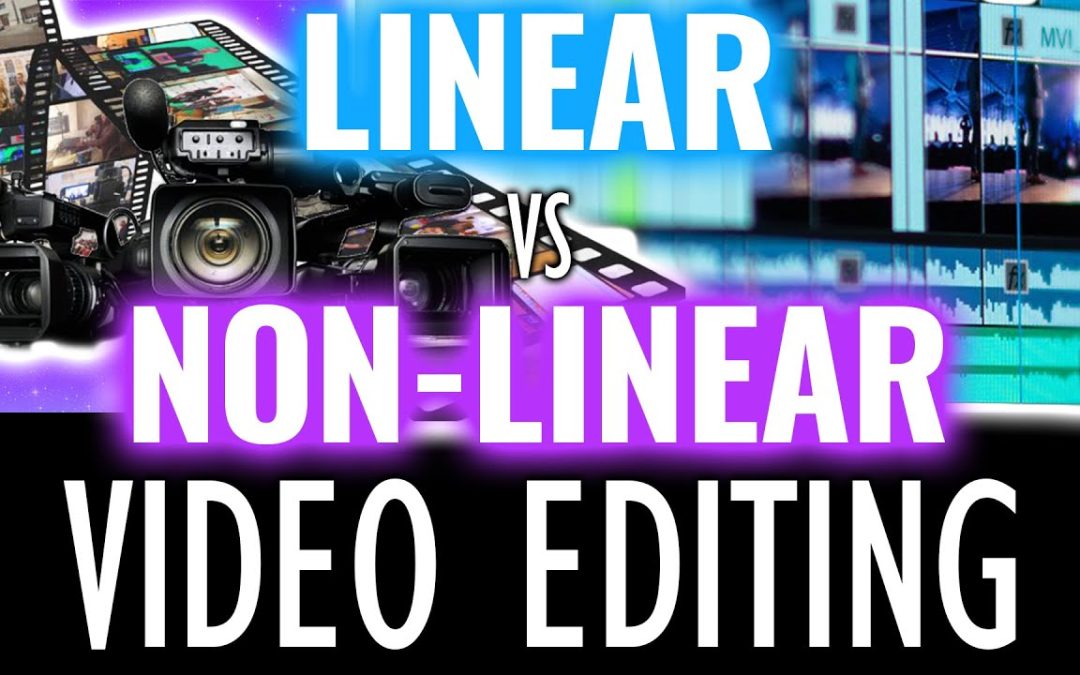
In the dynamic world of digital storytelling, mastering nonlinear editing is essential for aspiring filmmakers and content creators alike. This innovative approach allows for greater flexibility and creativity in the editing process, enabling editors to weave together narratives in a way that traditional linear methods cannot. By understanding the principles and techniques behind nonlinear editing, you can transform raw footage into compelling stories that captivate audiences. In this article, we will explore the fundamentals of nonlinear editing and provide insights into how you can harness its power to enhance your projects.
What are the key techniques in nonlinear editing?
Key techniques in nonlinear editing include timeline editing, clip trimming, effects application, color correction, audio mixing, and non-destructive editing for flexibility and creativity.
What are the key principles of mastering nonlinear editing, and how can they improve my video production workflow?
Mastering nonlinear editing (NLE) hinges on a few key principles that can significantly enhance your video production workflow. Firstly, organization is fundamental; maintaining a structured project with well-labeled bins and sequences allows for efficient navigation and retrieval of assets. Secondly, understanding the software’s features, such as shortcuts and effects, can drastically speed up the editing process, enabling you to focus more on creativity than technicalities. Additionally, leveraging storytelling techniques and pacing will elevate your narrative, ensuring that the final product resonates with viewers. Lastly, regular practice and experimenting with different editing styles can refine your skills and keep your workflow dynamic, ultimately leading to more polished and engaging videos.
What software options are available for mastering nonlinear editing, and what are their unique features?
In the world of nonlinear editing, several software options stand out for their unique features and capabilities. Adobe Premiere Pro is a favorite among professionals for its seamless integration with other Adobe Creative Cloud applications, robust collaboration tools, and advanced color grading options. Final Cut Pro, exclusive to Mac users, boasts a magnetic timeline and powerful performance, making it ideal for fast-paced editing environments. DaVinci Resolve is renowned for its exceptional color correction tools, combining editing, visual effects, and audio post-production in one cohesive platform, which appeals to filmmakers seeking comprehensive solutions.
For those looking for budget-friendly alternatives, HitFilm Express offers a user-friendly interface and a range of visual effects, perfect for beginners and indie filmmakers. Avid Media Composer remains a staple in the film industry due to its powerful media management capabilities and collaborative features suited for large teams. Meanwhile, Filmora provides an intuitive experience for casual users, featuring a vast library of effects and templates. Each of these software options caters to different needs, allowing editors to choose the best fit for their creative projects while enhancing their workflow efficiency.
Unlock Your Creative Potential with Advanced Techniques
Embracing advanced techniques can transform your creative journey, allowing you to tap into uncharted realms of imagination. By exploring innovative methods such as mind mapping, free writing, and multimedia integration, you can break free from conventional thought patterns. These tools not only enhance your ability to generate ideas but also encourage you to approach challenges from fresh perspectives, fostering an environment where creativity can flourish.
As you unlock your creative potential, remember that experimentation is key. Allow yourself to make mistakes and learn from them, as this is often where the most profound insights emerge. Surrounding yourself with diverse influences and engaging in collaborative projects can further ignite your inspiration. With these advanced techniques at your disposal, you’ll find yourself equipped to navigate the complexities of creativity, leading to enriching experiences and remarkable outcomes.
Seamless Transitions: Elevate Your Editing Skills
Mastering seamless transitions can significantly enhance your editing skills, transforming ordinary footage into a captivating viewing experience. By learning to blend cuts seamlessly, you’ll create a narrative flow that guides your audience effortlessly from one scene to the next. Techniques such as match cuts, crossfades, and whip pans not only maintain engagement but also enrich storytelling by emphasizing key moments and emotions. Embracing these methods allows you to elevate your work, making it more professional and visually appealing.
As you experiment with various transition techniques, remember that subtlety often leads to the most impactful results. Overusing flashy transitions can distract viewers from the main story, so finding a balance is fundamental. Focus on the rhythm of your edit, using transitions to enhance pacing and maintain momentum. With practice, your ability to create fluid movements between shots will not only sharpen your technical skills but also give your projects a polished and cohesive look that resonates with your audience.
From Novice to Pro: Step-by-Step Editing Strategies
Embarking on your editing journey can be both thrilling and daunting. Start by familiarizing yourself with the fundamentals of grammar and style; this foundational knowledge will empower you to identify common pitfalls in your writing. Break down the editing process into manageable steps: begin with a macro-level review of structure and flow before honing in on sentence-level details. This structured approach not only boosts your confidence but also enhances your ability to refine your work systematically.
As you progress, embrace the art of feedback. Sharing your drafts with peers or utilizing editing software can provide fresh perspectives, revealing areas for improvement that you might have overlooked. Additionally, cultivate a habit of reading widely; exposure to different writing styles will sharpen your editing instincts and inspire your creativity. By committing to continuous learning and practice, you’ll evolve from a novice editor into a polished professional, capable of transforming raw ideas into articulate, compelling narratives.
Transform Your Footage: Tips for Stunning Visual Storytelling
To elevate your visual storytelling, consider employing a blend of dynamic editing techniques and thoughtful composition. Start by harnessing the power of color grading to set the mood and evoke emotions, while using transitions that enhance the narrative flow rather than distract from it. Incorporate a variety of shot types, including close-ups and wide angles, to create visual interest and maintain viewer engagement. Additionally, pay attention to sound design, as the right audio can amplify the impact of your footage and draw the audience deeper into your story. By thoughtfully combining these elements, you’ll transform your footage into a captivating experience that resonates with viewers.
Mastering Nonlinear Editing Explained not only demystifies the complexities of modern editing techniques but also empowers creators to elevate their storytelling. By embracing the flexibility and efficiency that nonlinear editing offers, filmmakers and content creators can unleash their creativity, streamline workflows, and produce captivating narratives that resonate with audiences. As technology continues to evolve, mastering these tools will remain a vital skill for anyone looking to make their mark in the world of digital media.
