
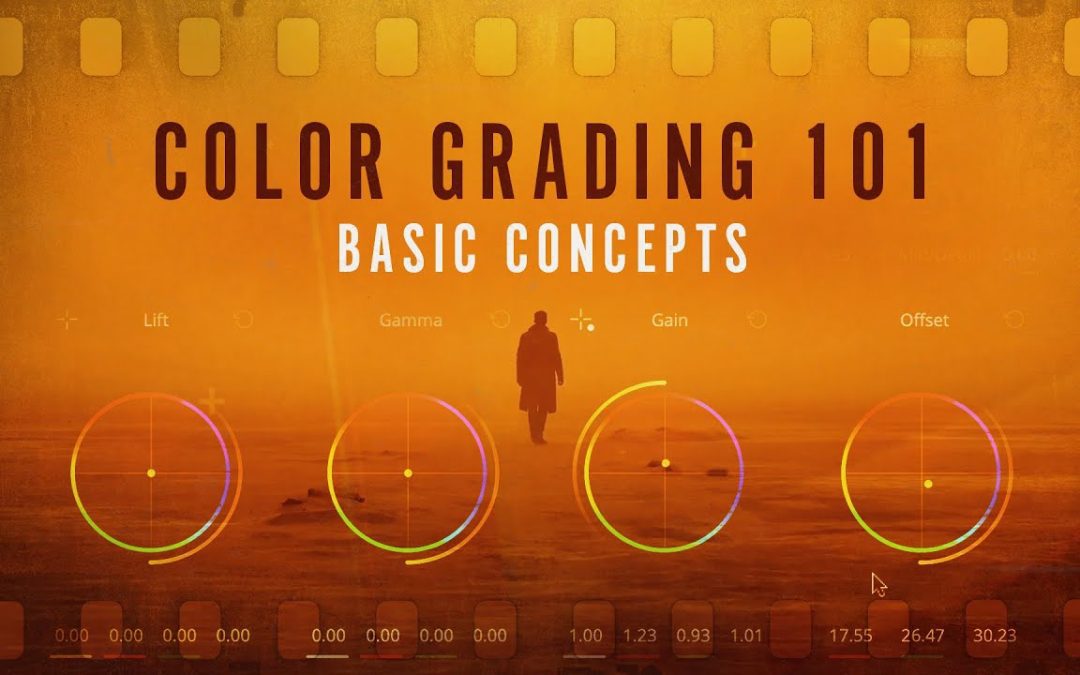
Color grading can transform an ordinary video into a stunning visual masterpiece, but for beginners, it can feel overwhelming. Understanding the fundamentals of color theory and mastering essential tools are primordial steps in this creative journey. In this article, we will share essential tips for color grading for beginners, helping you enhance your storytelling through vibrant visuals and mood-setting palettes. Whether you’re a budding filmmaker or a content creator, these insights will empower you to elevate your projects and captivate your audience.
What are essential color grading tips for beginners?
Start with a balanced exposure, use color wheels for correcting hues, apply LUTs for a base look, and practice adjusting contrast and saturation gradually.
What are the basic principles of color grading that beginners should understand?
Color grading is an essential aspect of visual storytelling that enhances the mood and emotional impact of a scene. Beginners should focus on understanding the primary principles, such as color theory, which involves the relationships between colors and how they affect viewer perception. Mastering contrast and brightness is primordial, as these elements help to define depth and draw attention to key subjects. Additionally, learning to use color wheels and scopes allows for precise adjustments, ensuring that the color palette aligns with the desired atmosphere. Finally, consistency across shots is vital to maintain a cohesive visual narrative, making the story more engaging and immersive for the audience.
Which software tools are recommended for beginners to start color grading?
For beginners venturing into color grading, several user-friendly software tools can facilitate the learning process while delivering impressive results. DaVinci Resolve stands out as a top choice, offering a robust free version that includes powerful features like color wheels and curves, making it accessible for newcomers. Another excellent option is Adobe Premiere Pro, which provides intuitive color correction tools within its editing suite, allowing users to easily experiment with their footage. Additionally, Final Cut Pro offers a streamlined interface for Mac users, complete with effective color grading capabilities. These tools not only simplify the workflow but also help beginners develop a solid foundation in the art of color grading.
How can I effectively use color wheels and curves in my grading process?
To effectively use color wheels and curves in your grading process, start by understanding the foundational color theory that underpins these tools. Color wheels allow you to visualize the relationships between colors, helping you to create harmonious and balanced looks by adjusting the shadows, midtones, and highlights of your footage. Use the color wheels to selectively enhance or diminish hues, ensuring that your color grading aligns with the mood and narrative of your project. Meanwhile, curves provide precise control over luminance and color channels, enabling you to fine-tune contrast and saturation with pinpoint accuracy. By mastering these tools together, you can achieve a polished and professional grade that elevates your visuals and storytelling.
What common mistakes should beginners avoid when color grading their videos?
Color grading can elevate a video from ordinary to extraordinary, but beginners often stumble over a few common pitfalls. One of the primary mistakes is over-saturation, which can lead to unnatural skin tones and an unrealistic look. It’s essential to maintain a balance, ensuring that colors enhance the scene rather than overwhelm it. Additionally, neglecting proper color matching across different shots can disrupt the visual flow of a narrative, making the final product feel disjointed. Beginners should take the time to familiarize themselves with color wheels and scopes to achieve consistency and harmony throughout their footage.
Another frequent error is ignoring the importance of lighting in the grading process. Beginners may attempt to correct colors without considering the original lighting conditions, which can result in an unconvincing image. Understanding how different lighting affects color perception is primordial for effective grading. Moreover, many newcomers overlook the value of subtlety; too many effects or drastic changes can distract from the story. Aiming for a polished yet natural look will resonate more with viewers and enhance the overall narrative without overshadowing it.
Unlock Your Creative Vision with Simple Techniques
Creativity is often seen as a mystical gift, but in reality, it can be cultivated through simple techniques that anyone can master. By setting aside time for regular brainstorming sessions, you can tap into your inner well of ideas. Use free writing or mind mapping to let your thoughts flow without restriction. These methods encourage spontaneity and can lead to unexpected insights, helping you discover new perspectives on your projects.
Another effective way to unlock your creative vision is by changing your environment. A fresh setting can stimulate your senses and inspire new ideas. Whether it’s rearranging your workspace, taking a walk in nature, or visiting an art gallery, altering your surroundings can provide a much-needed shift in perspective. Embrace the power of sensory experiences—sounds, colors, and textures can ignite your imagination and drive your creativity to new heights.
Finally, don’t underestimate the value of collaboration. Engaging with others can spark creativity and provide constructive feedback that refines your ideas. Join a creative group, attend workshops, or simply share your thoughts with friends. Collaboration encourages diverse viewpoints and can lead to innovative solutions that you might not have considered on your own. By integrating these techniques into your routine, you can unlock your creative potential and bring your vision to life.
Master the Art of Color for Stunning Visuals
Color is a powerful tool in visual communication, capable of evoking emotions, guiding perceptions, and enhancing storytelling. Mastering the art of color involves understanding the psychology behind hues, the harmony of color combinations, and the impact of light and shadow. By strategically selecting a color palette that aligns with your message, you can create stunning visuals that captivate your audience and leave a lasting impression. Whether in design, photography, or any form of visual media, the thoughtful use of color transforms ordinary images into extraordinary experiences, making your work not just seen, but felt.
Elevate Your Footage: Easy Steps to Color Grading Success
Color grading is an essential step in post-production that can transform your footage from ordinary to extraordinary. By adjusting the colors, contrast, and brightness, you can create a mood that resonates with your audience and enhances storytelling. Start by familiarizing yourself with the color wheel and the basics of color theory. This foundational knowledge will help you make informed choices about your color palette, whether you’re aiming for a vibrant, high-energy look or a more subdued, dramatic feel.
Once you have a clear vision, utilize user-friendly software tools that simplify the grading process. Begin with basic corrections to ensure consistency across your clips, adjusting exposure and white balance as needed. After achieving a balanced base, experiment with creative grading techniques, such as adding cinematic looks or applying LUTs (Look-Up Tables). Remember, subtlety is key—small adjustments can make a significant impact. With practice and patience, you’ll elevate your footage, making it visually stunning and professionally polished.
Mastering color grading opens up a world of creative possibilities for video and photography enthusiasts. By experimenting with the basics, utilizing effective tools, and understanding the emotional impact of color, beginners can elevate their visual storytelling to new heights. Embrace the journey, practice consistently, and don’t hesitate to explore your unique style—your artistic vision is just a color grade away.
