
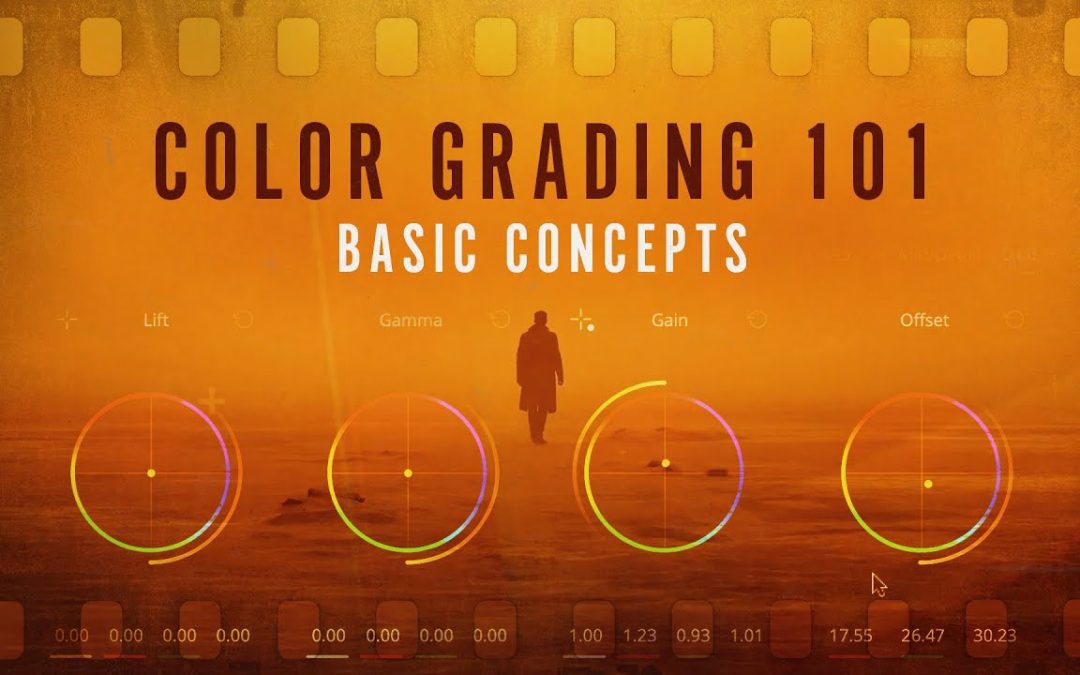
Color grading is a pivotal step in the post-production process, transforming ordinary footage into visually stunning narratives. For beginners looking to enhance their filmmaking skills, mastering the art of color grading can seem daunting. However, with the right techniques and a little practice, anyone can elevate their visuals and evoke the desired emotions. In this article, we will explore essential tips for color grading that will help you unlock your creative potential and bring your stories to life.
What are essential color grading tips for beginners?
Start with a balanced exposure, use color wheels for adjustments, maintain consistency, apply LUTs for inspiration, and practice regularly to develop your eye for color.
What are the essential tools and software needed for color grading as a beginner?
For beginners venturing into color grading, a solid foundation of essential tools and software can significantly enhance the learning experience. Start with intuitive editing software like Adobe Premiere Pro or DaVinci Resolve, both of which offer robust color grading features and user-friendly interfaces. Invest in a color chart for accurate color correction and calibration, ensuring your footage maintains consistent tones. Additionally, a good monitor capable of displaying a wide color gamut is esencial for precise adjustments. As you progress, consider exploring plugins and LUTs (Look-Up Tables) to streamline your workflow and achieve professional results. With these tools at your disposal, you’ll be well-equipped to develop your skills in color grading.
How do I understand the color wheel and its application in color grading?
The color wheel is a fundamental tool for understanding color relationships, consisting of primary, secondary, and tertiary colors arranged in a circular format. By grasping concepts such as complementary, analogous, and triadic color schemes, you can create visually appealing palettes that enhance your projects. In color grading, the wheel helps you to identify which colors can be used to correct or enhance the mood of your visuals, allowing you to manipulate hues for better balance and emotional impact. This knowledge empowers you to make informed decisions that elevate the aesthetic quality of your work, ensuring a cohesive and striking final product.
What are some common mistakes to avoid when starting with color grading?
When embarking on color grading, one of the most common mistakes is neglecting to establish a clear vision for the desired look, leading to inconsistent results. Beginners often overuse effects and filters, which can overwhelm the footage and detract from its natural beauty. Additionally, failing to monitor your work on calibrated screens can result in significant color discrepancies across different devices. It’s also esencial to avoid rushing through the process; taking the time to refine and compare your grades will yield more polished results. Finally, overlooking the importance of storytelling can lead to a color palette that doesn’t enhance the narrative, ultimately diminishing the emotional impact of the visuals.
Transform Your Footage with Simple Techniques
Elevate your video production with simple yet powerful techniques that can transform ordinary footage into captivating visual stories. By harnessing the power of color grading, strategic editing, and thoughtful transitions, you can enhance the mood and flow of your content. Incorporating elements such as dynamic text overlays and sound design further enriches the viewer’s experience, making your footage not just watchable, but memorable. With just a few adjustments, you can elevate your storytelling and engage your audience like never before.
Master the Art of Color Correction
Color correction is an essential skill for anyone involved in visual media, from photographers to filmmakers. Understanding how to manipulate colors can transform an ordinary image into a captivating visual experience. By mastering the fundamentals of color theory, you can enhance the mood, highlight key elements, and create a cohesive look across your projects. The right adjustments can evoke emotions and significantly impact how your audience perceives your work.
To begin your journey in color correction, familiarize yourself with essential tools and techniques. Software like Adobe Premiere Pro and DaVinci Resolve offers powerful features for adjusting hue, saturation, and brightness. Start with basic corrections such as white balance adjustments and exposure fixes before diving into more advanced techniques like color grading. Experimenting with curves and color wheels will help you understand the relationships between colors and enable you to achieve the desired aesthetic for your projects.
As you refine your skills, don’t forget the importance of consistency. A well-corrected image should maintain a uniform color palette that aligns with your creative vision. This consistency not only enhances the overall quality of your work but also strengthens your personal style. By practicing regularly and studying the work of industry professionals, you’ll develop an eye for detail that will elevate your projects and set you apart in the competitive world of visual storytelling.
Elevate Your Videos with Expert Advice
Unlock the full potential of your videos by tapping into expert advice that can transform your content from ordinary to extraordinary. Whether you’re a budding creator or an experienced filmmaker, understanding the nuances of storytelling, lighting, and sound can significantly enhance your production quality. By incorporating these professional techniques, you can captivate your audience and deliver a polished final product that resonates with viewers.
Moreover, engaging with seasoned professionals can provide invaluable insights into the latest trends and technologies in video production. Networking with industry experts and participating in workshops can help you stay ahead of the curve, ensuring your content remains fresh and compelling. With the right guidance, you can elevate your videos to new heights, making a lasting impact and building a loyal viewer base that eagerly anticipates your next release.
Unlock the Power of Color in Editing
Color is an essential tool in editing that can transform the mood and impact of your visuals. By understanding the emotional resonance of different hues, editors can create a compelling narrative that captivates audiences. Whether it’s the warm tones that evoke nostalgia or the cool shades that instill calm, strategically applying color can enhance storytelling and guide viewers’ emotions. Mastering the art of color correction and grading not only elevates the quality of your work but also unlocks new creative possibilities, allowing you to craft visuals that truly resonate and leave a lasting impression.
Quick Tips for Stunning Visuals
To create stunning visuals that captivate your audience, start by focusing on composition; utilize the rule of thirds to balance elements and guide the viewer’s eye. Next, harness the power of color theory by selecting a harmonious palette that evokes emotion and enhances the overall message. Incorporate high-quality images and graphics, ensuring they are relevant and resonate with your theme. Finally, embrace white space to prevent clutter and draw attention to the key elements, making your visuals not only appealing but also effective in conveying your message. With these quick tips, you can elevate your visual content and leave a lasting impression.
Mastering color grading can transform your projects from ordinary to extraordinary, enhancing the emotional impact and visual appeal of your work. By experimenting with different palettes, understanding the fundamentals of color theory, and practicing regularly, beginners can develop their unique style and refine their skills. Embrace the journey of learning, and don’t hesitate to seek inspiration from others. With patience and creativity, you’ll soon find yourself producing stunning visuals that captivate and engage your audience.
