
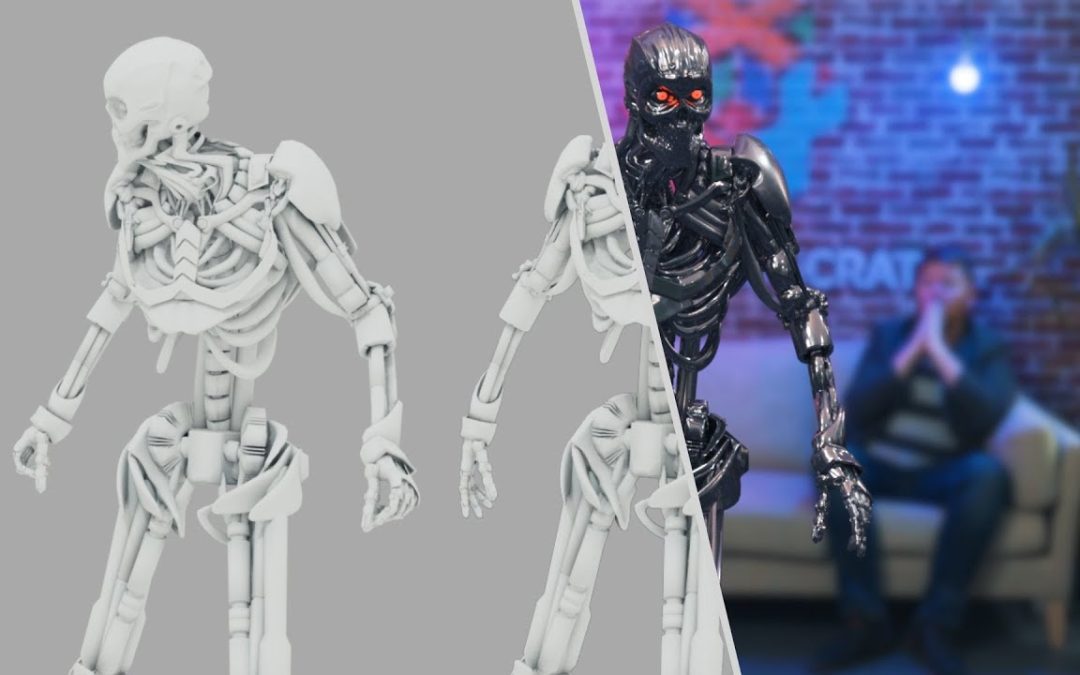
In the ever-evolving world of digital artistry, creating realistic CGI is both an art and a science. Whether you’re a seasoned professional or an enthusiastic beginner, mastering the nuances of computer-generated imagery can elevate your projects to new heights. This article provides essential tips for creating realistic CGI, helping you to enhance textures, refine lighting, and develop lifelike movements that captivate your audience. Join us as we explore the techniques that can transform your virtual creations into stunningly believable visuals.
What are essential techniques for realistic CGI?
Focus on lighting, texture detail, accurate physics, and color grading. Use high-quality models and incorporate natural imperfections for a more lifelike appearance.
- Understand Lighting: Use realistic lighting techniques, such as three-point lighting and natural light sources, to create depth and enhance the overall look of your CGI.
- Focus on Textures: Apply high-quality textures and materials that mimic real-world surfaces, paying attention to details like bumps, scratches, and wear to achieve authenticity.
- Incorporate Realistic Motion: Animate objects with physics-based movements, ensuring that they respond to gravity, inertia, and other forces to create believable interactions.
- Use Reference Images: Study and utilize reference images from real life to guide your modeling, shading, and overall design, ensuring that your CGI elements match real-world proportions and characteristics.
- Pay Attention to Composition: Frame your scenes thoughtfully, considering elements such as the rule of thirds, balance, and focal points to create visually appealing and engaging compositions.
What are the essential tips for achieving realistic textures in CGI?
Achieving realistic textures in CGI hinges on a keen understanding of material properties and their interaction with light. Begin by studying real-world surfaces, noting their unique characteristics such as roughness, glossiness, and translucency. Incorporating high-resolution image textures can add depth and detail, while layering various texture maps—like bump, normal, and specular maps—can enhance the perception of realism. Pay attention to color accuracy and the subtle variations that occur in natural materials, which can be replicated through thoughtful shading techniques and careful color grading.
Lighting plays a pivotal role in how textures are perceived, so it’s essential to simulate realistic lighting conditions that mimic the environment your CGI is set in. Use three-point lighting setups for character models or HDRI images for scene backgrounds to create a more immersive experience. Additionally, consider the scale and perspective of your textures; ensuring they match the size and context of your scene will greatly enhance believability. By combining these techniques with consistent practice and a critical eye, you can elevate your CGI work to achieve textures that captivate and engage your audience.
How can lighting be optimized to enhance realism in CGI creations?
Effective lighting is importante for achieving realism in CGI creations, as it mimics the way light behaves in the real world. By utilizing three-point lighting, which includes key, fill, and backlight, artists can create dynamic scenes that highlight details and add depth. The key light serves as the primary source, casting shadows and defining shapes, while the fill light softens those shadows, ensuring that no detail is lost. Finally, the backlight adds a sense of depth by creating a rim around the subject, helping it stand out from the background.
In addition to using traditional techniques, incorporating realistic light properties such as color temperature and intensity can significantly elevate the authenticity of CGI. By adjusting the color temperature to match the environment—whether it’s warm sunlight or cool moonlight—artists can evoke specific emotions and set the mood for their scenes. Moreover, experimenting with different intensities allows for a more natural interplay between light and shadow, making the environment feel alive and immersive.
Lastly, leveraging global illumination techniques enhances the realism by simulating the way light reflects and bounces off surfaces. This approach adds subtle nuances, such as color bleeding and soft shadows, which are often present in real-world lighting. By combining these strategies—three-point lighting, realistic properties, and global illumination—CGI creators can craft visually stunning and believable scenes that captivate audiences and bring their imaginative worlds to life.
What software tools are recommended for creating high-quality realistic CGI?
Creating high-quality realistic CGI requires a blend of powerful software tools that cater to various aspects of the production pipeline. For modeling and sculpting, Autodesk Maya and Blender stand out as industry favorites, offering robust features for both beginners and professionals. Maya is renowned for its advanced animation capabilities, while Blender provides a free, open-source alternative with a vibrant community and extensive plugin support.
In terms of texturing and material creation, Substance Painter has become a go-to tool for artists seeking to achieve photorealistic surfaces. Its intuitive interface allows for the painting of textures directly onto 3D models, streamlining the workflow. Coupled with tools like Adobe Photoshop for 2D texture editing, these applications ensure that every detail is meticulously crafted to enhance realism.
Rendering is a critical phase in CGI production, and software such as Arnold and V-Ray are highly recommended for their exceptional capabilities in producing stunning visual outputs. Both renderers support global illumination and advanced shading techniques, allowing artists to create lifelike lighting scenarios. By integrating these tools into a cohesive workflow, creators can consistently produce high-quality CGI that captivates and engages audiences.
Elevate Your Visuals with Expert Insights
In today’s digital landscape, captivating visuals are more importante than ever for making a lasting impression. High-quality images and graphics not only grab attention but also communicate your brand’s message effectively. By elevating your visuals, you can enhance engagement and foster a deeper connection with your audience, making it essential to invest in expert insights that guide your creative choices.
Understanding the principles of design, color theory, and composition can transform ordinary visuals into extraordinary ones. Expert insights provide invaluable guidance on how to leverage these principles to create stunning imagery that resonates with viewers. Whether you are crafting social media posts, website graphics, or marketing materials, applying these insights ensures that your visuals stand out while maintaining a cohesive brand identity.
Furthermore, keeping up with the latest trends and technologies in visual content creation can set you apart from the competition. Experts in the field can offer tips on innovative tools and techniques that enhance your visual storytelling. By continuously refining your skills and incorporating expert advice, you can elevate your visuals to new heights, driving engagement and fostering brand loyalty in an increasingly crowded marketplace.
Unlock the Secrets of Lifelike Digital Art
In the ever-evolving world of digital art, mastering the nuances of realism can set an artist apart. Lifelike digital creations not only captivate audiences but also convey emotions and stories in a profound way. By studying the interplay of light and shadow, artists can breathe life into their work, transforming simple images into vivid experiences that resonate with viewers on a personal level.
To achieve a sense of realism, understanding anatomy and perspective is importante. Artists should immerse themselves in the details of their subjects, whether they are human figures, animals, or landscapes. This deep knowledge allows for accurate proportions and believable interactions between elements, creating a cohesive and immersive composition. With practice, artists can refine their skills and develop a unique style that showcases their ability to blend imagination with reality.
The tools available for digital artistry today are more powerful than ever, offering an array of brushes, textures, and effects that enhance lifelike qualities. Leveraging these tools creatively can elevate an artist’s work, allowing for intricate detailing and rich color palettes that bring their visions to life. By continuously experimenting and pushing boundaries, artists can unlock new levels of expression, transforming their digital canvases into breathtaking works of art that leave a lasting impression.
Transform Your CGI Skills: A Step-by-Step Guide
Unlocking your potential in CGI requires a structured approach that combines learning with practical application. Start by mastering the foundational tools and software, such as Blender or Maya, which are essential for creating stunning visual graphics. Dedicate time each week to explore online tutorials and courses that cover both basic and advanced techniques, allowing you to build a solid skill set. As you gain confidence, engage with online communities where you can share your work, receive feedback, and collaborate with fellow enthusiasts.
Once you have established a strong foundation, it’s time to focus on refining your unique style and expanding your portfolio. Challenge yourself with diverse projects that push your creative boundaries, whether it’s character modeling, animation, or environmental design. Document your progress through a dedicated online portfolio, showcasing your best work and the evolution of your skills. By consistently setting goals and seeking out new challenges, you will not only enhance your CGI expertise but also position yourself for exciting opportunities in the ever-evolving digital landscape.
Mastering the art of realistic CGI requires a blend of technical skill and artistic intuition. By paying attention to detail, utilizing advanced software tools, and understanding the principles of light and texture, creators can elevate their work to new heights. Embracing these tips will not only enhance the visual impact of your projects but also captivate audiences, leaving a lasting impression in a world where stunning visuals reign supreme.
